
Files
Store, organize, and share your team's files — kept in context with the projects and teams they belong to. 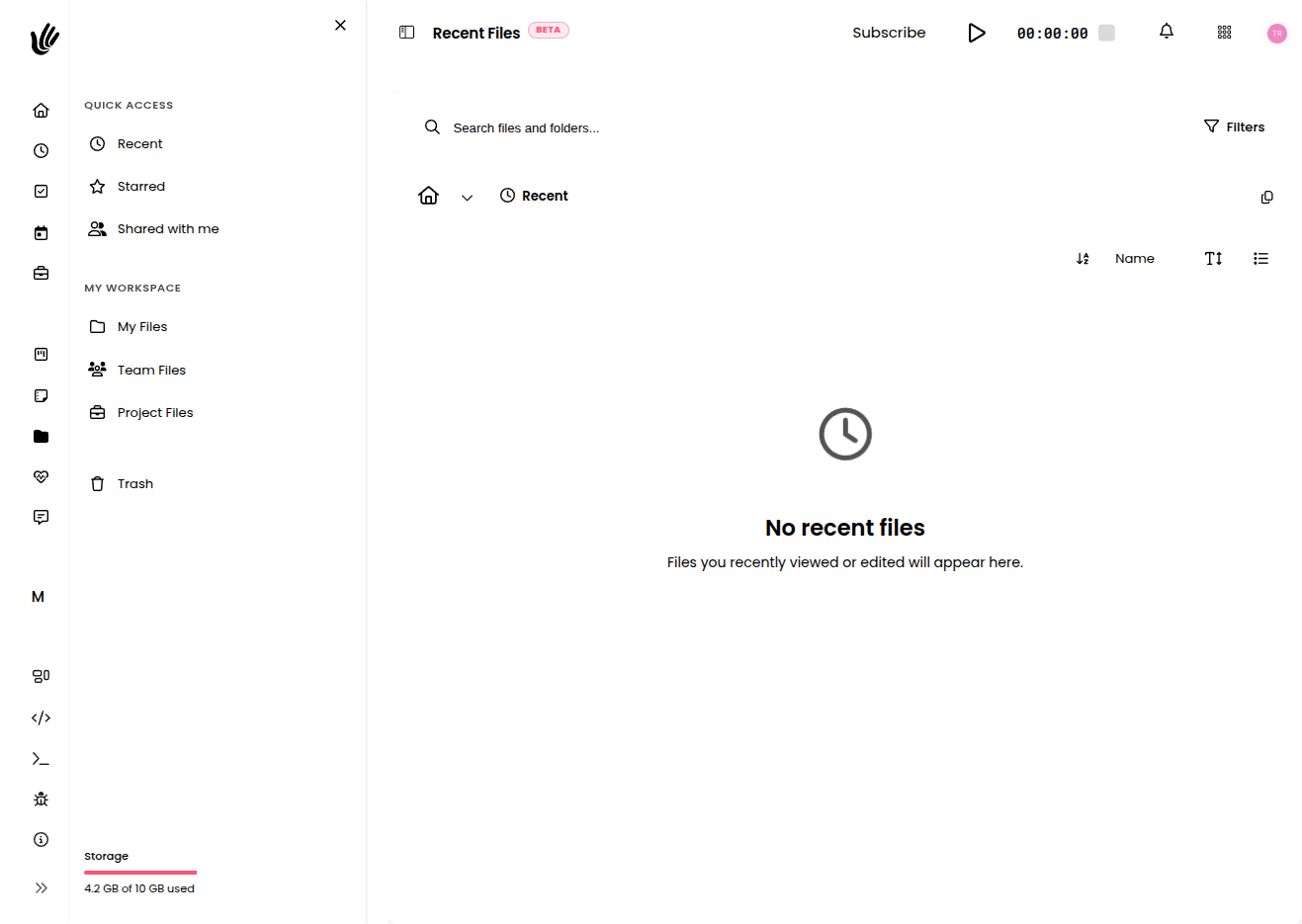
Store, organize, and share your team's files — kept in context with the projects and teams they belong to.

Overview
Files give your team one place for documents, assets, and deliverables. Instead of scattering attachments across email threads and chat apps, everything lives where the work happens. Organize files in folders, keep a history of versions, share with your team, and recover anything you delete. Because files connect to the projects and teams they belong to, you always have the right context within reach.
Key features
- Organized views — Jump to My files, Team files, Project files, and Recent files.
- Folders — Create folders and nest them to keep things tidy, and organize files by project, team, or your own personal space.
- Versions — Upload a new version of a file and keep a history of previous ones.
- Links — Add a file by uploading it or by linking to one that lives elsewhere.
- Search — Find files fast with built-in search across your views.
- Multi-select — Act on several items at once — move, download, or delete them together.
- Trash & restore — Deleted items can be restored, so a mistake is never permanent until you choose it to be.
Getting started
- Open Files to land in your default view.
- Use Recent to pick up where you left off, or browse into a folder.
- Create folders to group related work, and move existing items in.
- Add files by uploading them, or add a link to a file stored elsewhere.
- Share what your team needs, and lean on search whenever you can't remember where something lives.
Organizing your files
Folders are the backbone of a tidy workspace. Create a folder for each project, team, or category, then move items in as the work grows.
- Organize files into nested folders by project, team, or your own personal space.
- Use Recent to jump back to files you touched lately without hunting through folders.
- Select multiple items to act on them together — move, download, or delete several at once.
TIP
Mirror your project structure with folders. When folders match how your team thinks about the work, nobody has to guess where a file should go.
Versions
When a file changes, upload the new version rather than creating a duplicate. Heyweek keeps the earlier versions, so you can see how a document evolved and go back to a previous one if you need it. This keeps a single, recognizable file as the source of truth instead of a folder full of "final-v3-really-final" copies.
Sharing files
Files are only useful when the right people can reach them.
- Team files are available to the team they belong to, so collaborators find them in context.
- Project files keep deliverables next to the work they belong to.
- Keep personal files in My files until you're ready to move them into a project or team.
NOTE
Sharing respects your workspace and team boundaries, so people only see the files in the projects and teams they have access to.
Project and team files
When a file relates to a project, keep it as a project file so it appears alongside that project's work. Files that belong to a team live in that team's space. This is the difference between a file you can find and a file your team can actually use — context turns a stray document into a deliverable everyone understands.
Trash & recovery
Mistakes happen, so deletion is never one-way. A deleted file can be restored, and only a deliberate permanent delete removes it for good.
WARNING
Permanent deletion can't be undone. When in doubt, leave a file deleted-but-recoverable a little longer rather than removing it for good right away.
Works with the rest of Heyweek
- Project files connect to Projects and the work happening inside them.
- Share files across your Teams.
- Share project deliverables with clients through the Client View portal.
- Learn more on the Files feature page.
Tips
- Lean on Recent to get back to active work in one click.
- Keep files as project files whenever they relate to a project — context makes them far easier to find later.
- Upload a new version instead of a duplicate so the file's history stays in one place.
- Use multi-select to clean up or reorganize in batches instead of one item at a time.