
Your whole to-do list, in one place
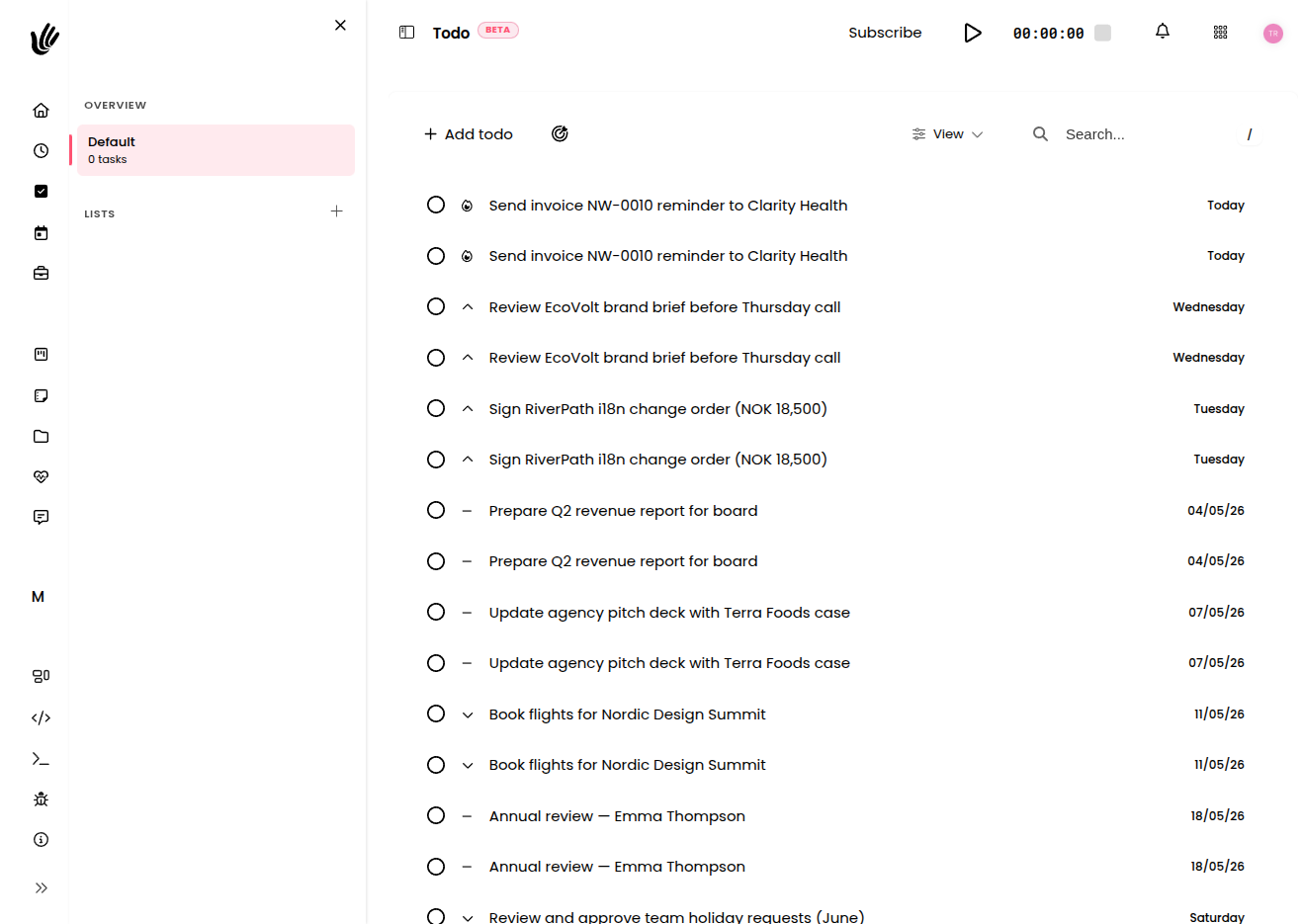
Capture everything you need to do, organize it into lists, set priorities and due dates, and break big items into subtasks. A personal to-do list that lives right next to your real work.
Sound familiar?
A to-do list that keeps up with you
- Organize todos into lists for work, clients, or yourself
- Set priorities from low to critical and sort by what matters
- Break any todo into subtasks and check them off as you go
- Estimate and log time so you learn how long work really takes
Lists, priorities, and due dates
Group todos into lists, flag the critical ones, and set due dates so the right things rise to the top of your day.
Subtasks for bigger work
Break any todo into subtasks and track progress across the whole thing—so large work finally gets started.
Time tracking built in
Estimate todos in minutes, hours, or days, then log the time you actually spend to sharpen your next estimate.
Built for how you actually work
Freelancers
"My personal to-do list and my client work finally live in the same place. I plan my day without switching apps."
Team leads
"Shared lists keep the small stuff visible. Nothing important slips just because it wasn't worth a whole project."
Anyone with a busy week
"Priorities and subtasks turn an overwhelming list into a clear next step. I always know what to do next."
Get your to-do list out of your head
Free during beta. No credit card required.
A to-do list app that lives next to your work
Heyweek gives you a fast, flexible to-do list right inside the workspace where your real work already happens. Capture everything you need to do, organise it into lists, set priorities and due dates, break big items into subtasks, and track the time each one takes — without bolting on yet another standalone app.
A good to-do list is more than a checklist. Heyweek todos carry the detail that helps you actually finish: a priority from low to critical, a due date, subtasks for the bigger jobs, and optional time estimates so you can plan a realistic day. Keep personal todos to yourself or share lists with your team, sort by priority or due date, and postpone what can wait so today stays focused.
Because your todos sit in the same place as your projects, tasks, time tracking, and notes, the small stuff never drifts away from the work it belongs to. Log time against a todo and it sharpens your next estimate; finish one and your day genuinely moves forward. It is the difference between a to-do app you forget about and a list that keeps up with you.
Frequently asked questions
What is the difference between todos and tasks in Heyweek?
Todos are a lightweight personal and shared to-do list — quick to capture, organised into lists, with priorities, subtasks, and due dates. Tasks are board-based cards that move through Kanban stages and tie into projects and clients for team delivery. Use todos for your day-to-day list and tasks for project work.
Can I organise my todos into separate lists?
Yes. Group todos into as many lists as you like — for example work, a specific client, or personal — and filter to one list or see everything in a single view.
Can I add subtasks and priorities?
You can. Break any todo into subtasks and check them off as you go, and set a priority from low to critical so the most important work rises to the top.
Can I track time on my todos?
Yes. Estimate a todo in minutes, hours, or days, then log the time you actually spend, so your estimates get more accurate and your effort is captured alongside the rest of your work.