
Know your business. With numbers.
Time reports, financial summaries, and project profitability—all generated from data already in Heyweek. No manual exports, no spreadsheet assembly.
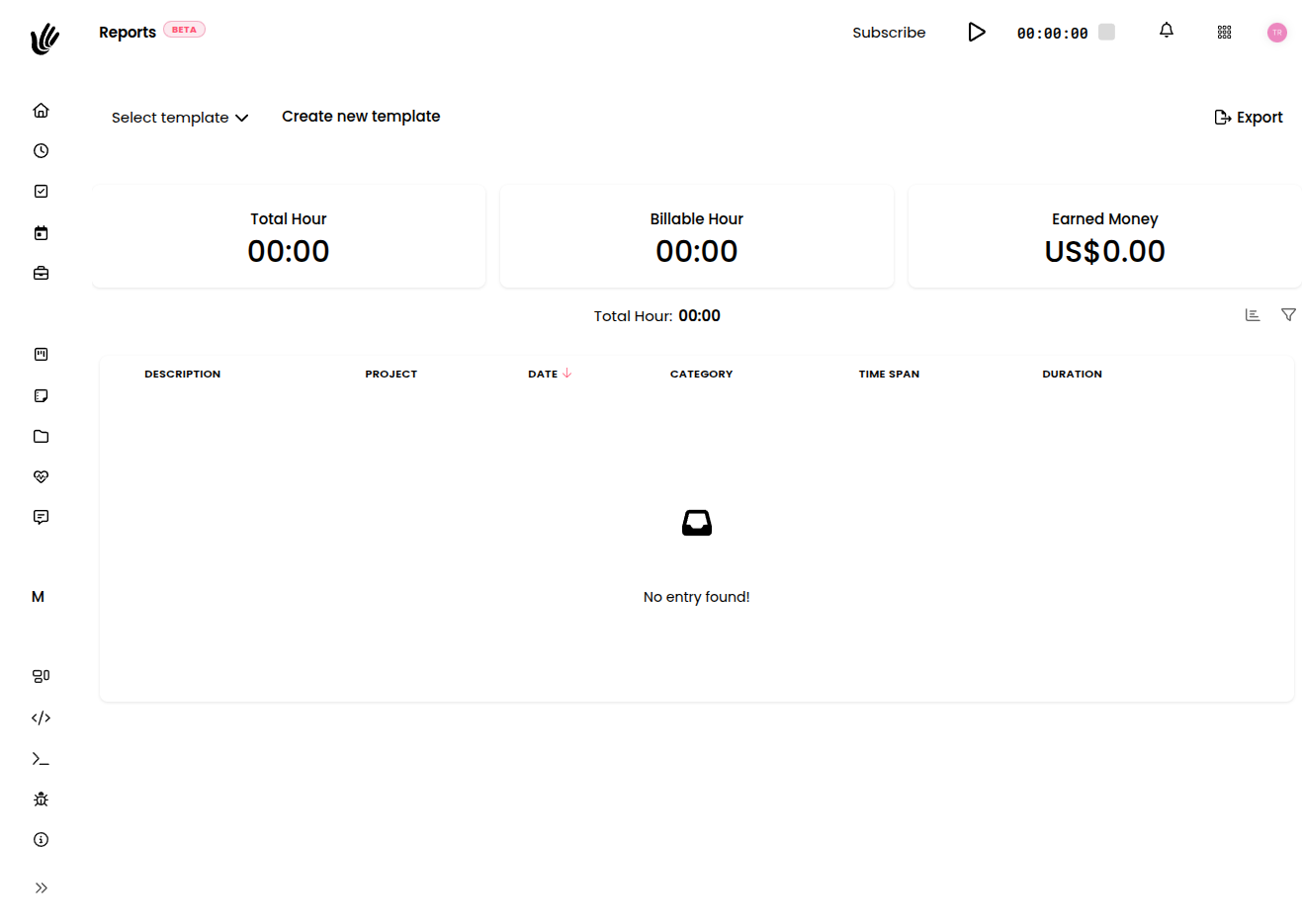
Reporting without the right tools
Reports that build themselves
- Time reports by person, project, or client—any date range
- Project profitability from tracked time vs. invoiced amount
- Financial summaries without touching a spreadsheet
- Export to PDF or CSV when you need to share
Time reports
Filter by person, project, client, or date range. See exactly where hours went—and what got billed.
Project profitability
Compare time tracked to revenue invoiced per project. Know which clients are worth the work.
Export when you need it
Download a PDF for the client or CSV for your accountant. The hard part is already done.
For every business that wants to know its numbers
Freelancers
"Every month I send clients a time report with their invoice. One click in Heyweek and it's done."
Agencies
"Profitability by client used to take a full afternoon. Now the report is already there—we just look at it."
Startups
"The monthly board update includes a financial summary from Heyweek. No assembly required."
Stop assembling reports. Start reading them.
Free during beta. No credit card required.
Reporting and timesheet software for clear decisions
Heyweek reporting and timesheet software turns your tracked work into answers. See where time goes, which projects and clients are profitable, and how your team is utilised — in clear reports you can act on, not raw data you have to wrestle.
Timesheets are only useful if they tell you something. Heyweek rolls up every tracked hour into reports on billable versus non-billable time, project budgets, client profitability, and team utilisation. Export a clean timesheet for payroll or a client, or drill into a project to understand exactly where the hours went.
Because the underlying data is captured naturally as people work, your reports stay accurate without anyone filling in a spreadsheet at the end of the week. That makes Heyweek reporting trustworthy enough to base real decisions on — pricing, hiring, and which work to take on next.
Frequently asked questions
What can I report on in Heyweek?
Billable and non-billable time, project budgets and overruns, client profitability, and team utilisation — all built from the time and costs you already track.
Can I export timesheets?
Yes. You can produce clean timesheets to share with clients or use for payroll, generated automatically from tracked time.
Are reports accurate without manual data entry?
They are, because data is captured as people work rather than reconstructed later, so reports reflect what actually happened.
Can I see profitability per client and project?
Yes — reporting ties time, costs, and invoices together so you can see which clients and projects make money and which don’t.