
Project files, where the project is
Upload, organize, and share files directly inside projects and client records. No more 'where did you save that brief?' moments.
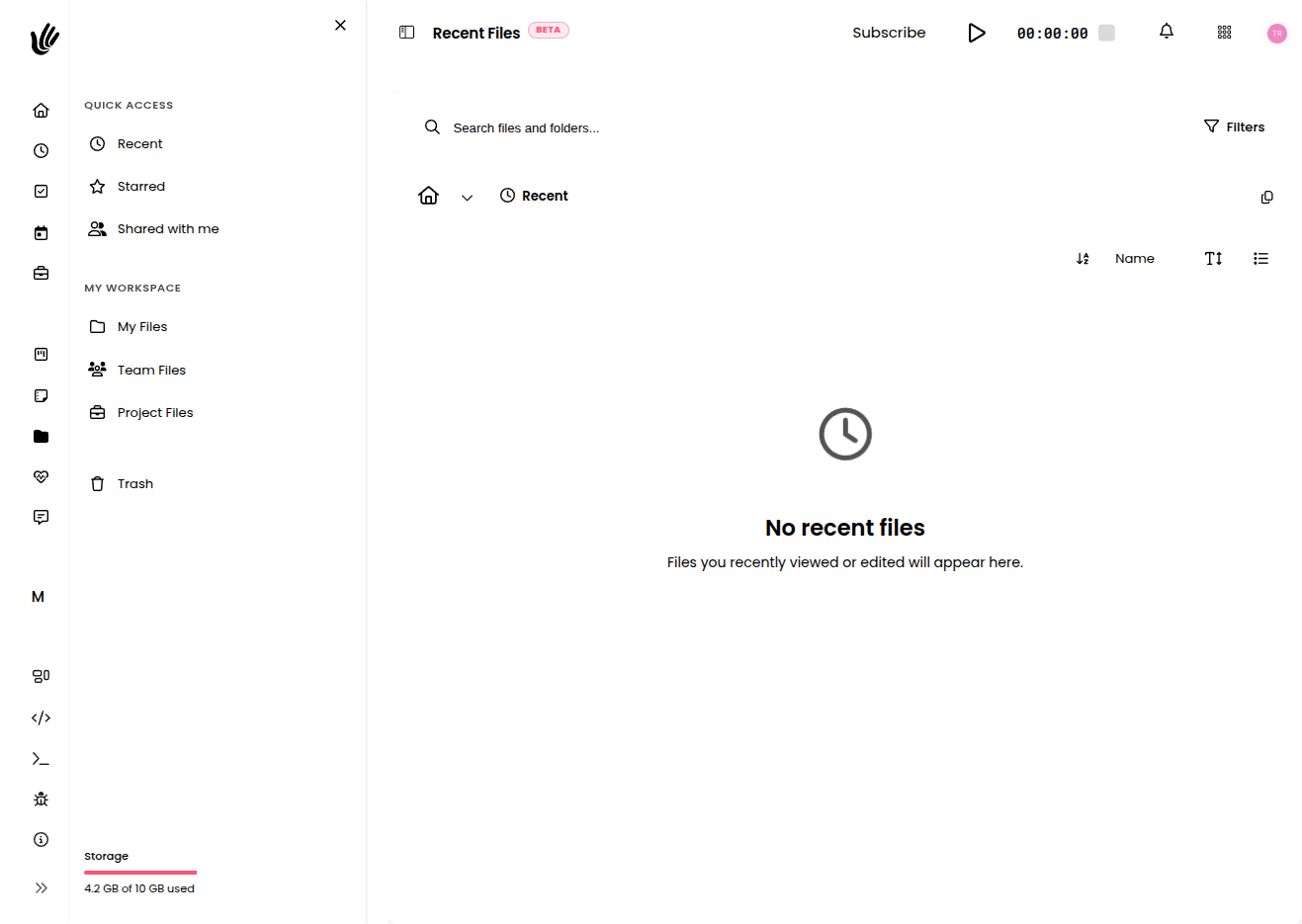
File chaos is universal
Files that stay with the work
- Upload files directly into projects and client records
- Everyone on the team can access shared project files
- No more hunting through Drive or email attachments
- All client assets in one place, always
Attached to context
Files live inside projects and clients. Find the brief by finding the project—not by searching a shared drive.
Shared with the team
Everyone with project access can view and download files. No more 'can you send me that file?' messages.
Any file type
PDFs, images, design files, spreadsheets—upload whatever the project needs and keep it organized.
For teams tired of file chaos
Freelancers
"Client briefs, brand assets, final deliverables—all in the client's record in Heyweek. I never email myself files anymore."
Agencies
"Every project has its files right there. Account managers and creatives are always looking at the same assets."
Startups
"Specs, mockups, contracts—stored in the project they belong to. No more 'which folder was it in?' when deadlines hit."
Keep your files where the work is
Free during beta. No credit card required.
File sharing that stays attached to your work
Heyweek keeps your files where the work is. Share documents, briefs, and deliverables in the context of the project, task, or client they belong to — so the right file is always a click away instead of lost in a chat thread or a sprawling drive.
Files lose their value the moment they’re separated from context. A brief in a generic folder is just a document; a brief attached to its project is part of the work. Heyweek lets you store and share files against projects, tasks, and clients, so anyone on the team can find what they need without asking where it lives.
Because file sharing sits inside the same platform as your tasks, time tracking, and communication, collaboration stays tidy. Clients and teammates work from the same up-to-date documents, and nothing important gets stranded in someone’s inbox.
Frequently asked questions
Where are files stored in Heyweek?
Files attach to the relevant project, task, or client, so they live in the same context as the work rather than in a disconnected folder.
Can I share files with clients and teammates?
Yes. Documents and deliverables can be shared with the people involved in a project, so everyone works from the same up-to-date version.
Does this replace a separate file drive?
For work-related documents it keeps everything in context, so you spend less time hunting across drives and chat threads.
Are files connected to tasks and projects?
They are — attaching files to tasks and projects means the right document is always next to the work it supports.