
People
Keep everyone connected to your organization — team members, clients, and external collaborators — in one directory, with the roles and contact details…
Keep everyone connected to your organization — team members, clients, and external collaborators — in one directory, with the roles and contact details you need to work together.
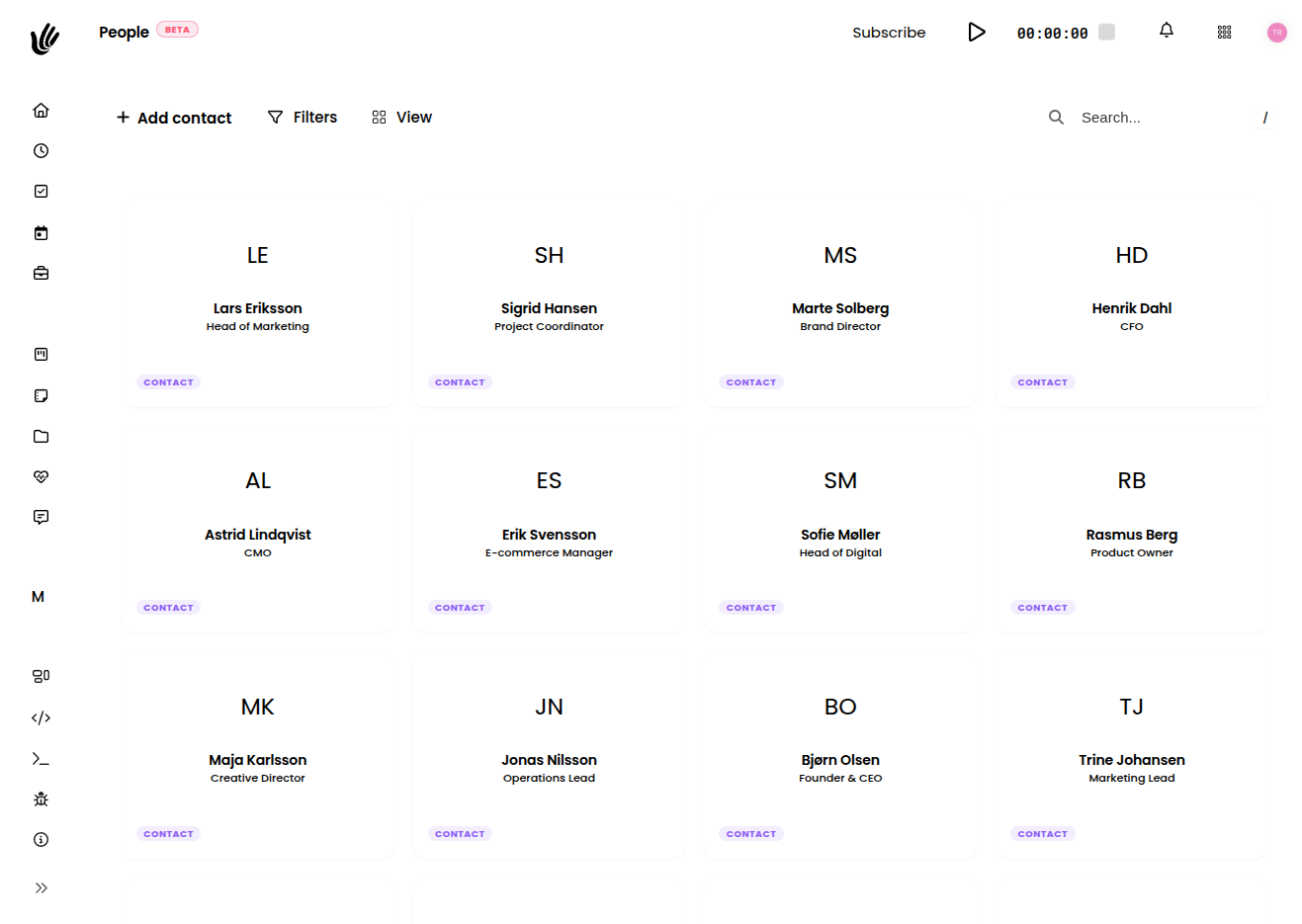
Overview
People is your directory of everyone connected to the workspace. Each person has a profile with their contact details, their role, and the teams they belong to — so whether you're onboarding a team member or adding a client contact, the information lives in one consistent place and connects to the rest of Heyweek.
Key features
- Directory — Profiles for everyone connected to your workspace, in one place.
- Contact details — Store names, emails, phone numbers, and a photo for each person.
- Work location — Note whether someone is office, remote, or hybrid.
- Internal & external — Keep team members and external contacts (like client contacts) clearly distinguished.
- Roles — Each person has a role that determines what they can access and do.
- Teams — Organize people into the Teams they belong to.
Getting started
Build and manage your directory in a few steps:
- Add team members and external contacts to your workspace.
- Fill in each person's profile — contact details and work location.
- Set each person's role so access matches responsibility.
- Organize people into the Teams they belong to.
- Connect people to the Projects they're working on.
TIP
Set roles and team membership when you first add someone — it means access and visibility are correct from day one, with no cleanup later.
Profiles
A person's profile ties together their contact details, work location, role, and the teams they're part of. Keeping profiles current makes the directory easy to search and makes it simple to tell internal team members apart from external contacts and clients at a glance.
Roles
A person's role decides what they can see and do. Set roles deliberately so access matches responsibility — internal members typically need broader access to projects and files, while clients and external collaborators are best given limited, scoped access to only the work that involves them. See Roles & permissions for the full model.
IMPORTANT
Give each person the least access they need to do their job. You can always expand it later, and tighter defaults keep client and contractor visibility appropriately scoped.
Roles work hand in hand with how access is scoped through Teams — adding someone to a team is often the cleanest way to grant the right access across the projects that team owns.
Internal members and external contacts
The directory holds two kinds of people: team members who work inside your organization, and external contacts — the people at your clients and the outside collaborators you work with. Keeping both in one place, clearly distinguished, means you always know who's who and can reach the right person quickly.
Works with the rest of Heyweek
- Organize people into Teams and onboard them with Team setup.
- Set what each person can do with Roles & permissions.
- Connect people to the Projects and Clients they work with.
- Track time off in Absence, and keep everyone in touch through Messages.
Tips
- Keep profiles current — accurate contact details and roles make the directory dependable.
- Use Teams to manage access at scale instead of granting it person by person.
- Give clients and external collaborators scoped access so they see only relevant work.
- Note each person's work location so it's clear who's remote, in the office, or hybrid.