
Boards
Visualize and manage your workflow with Kanban-style boards in Heyweek. 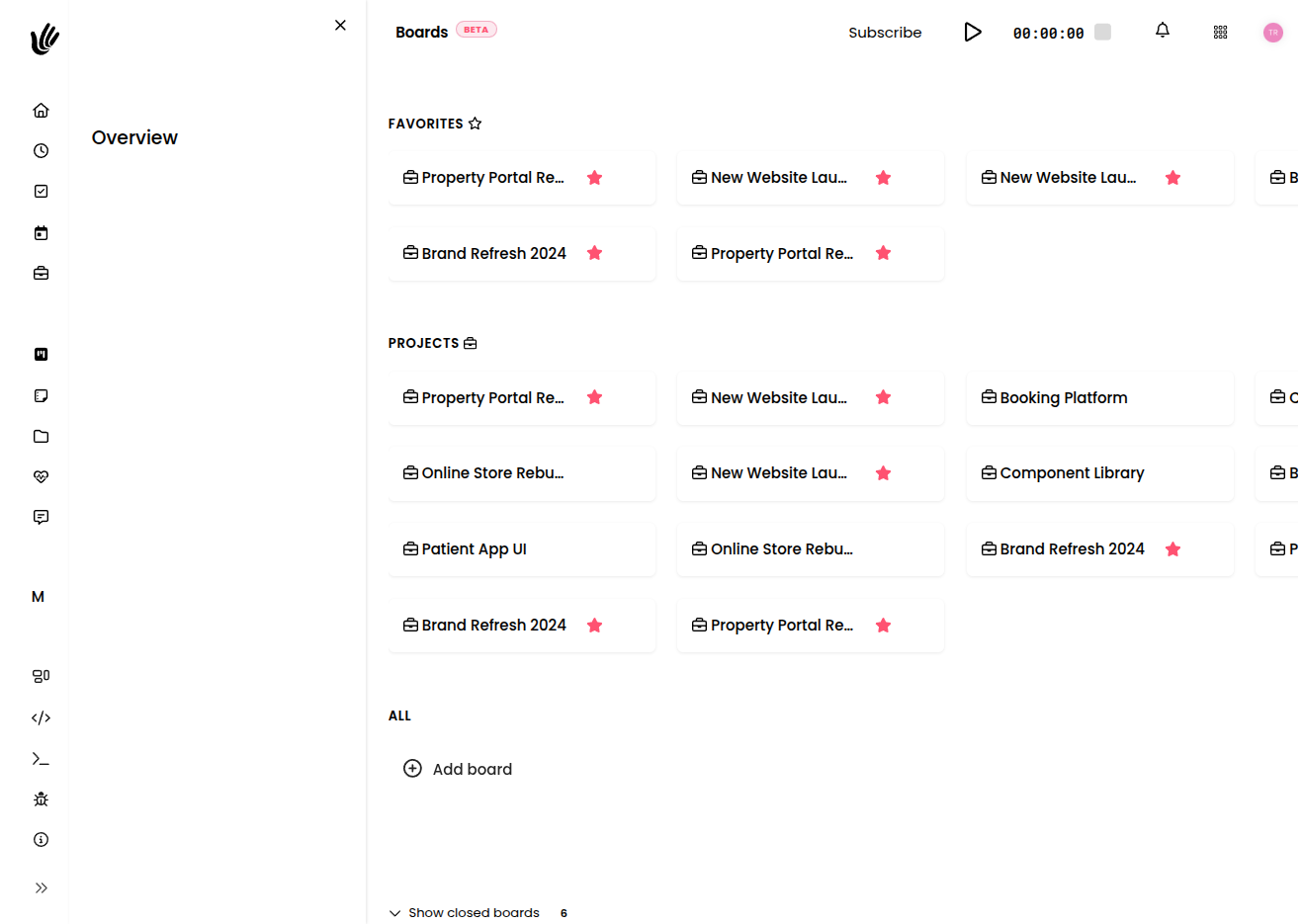
Visualize and manage your workflow with Kanban-style boards in Heyweek.

Overview
Boards provide a visual way to manage projects and tasks using the Kanban methodology. Work is represented as cards that move across columns from left to right as it progresses — so you can see what's planned, what's in motion, and what's done at a single glance. Because bottlenecks show up visibly (a column that's piling up), boards keep you and your team aligned on real progress rather than status-meeting guesswork.
A board lives inside a project, giving each project its own visual workspace for planning and running the work.
Key features
- Customizable columns — Create workflow stages that match your process, from a simple To do / Doing / Done to something richer.
- Drag & drop — Move cards between columns as work advances.
- Card details — Each card is a task that can hold a description, assignee, due date, and labels.
- Multiple boards — Set up different boards for different projects or workflows.
- Filters & search — Find cards quickly with filtering across the board.
- Connected to the project — Boards share a project's tasks, time, and files, so nothing is siloed.
How it works
- Create a board inside a project to give the work a visual home.
- Set up columns that represent the stages of your process — for example Backlog → In progress → Review → Done.
- Add cards for each piece of work, giving them a clear title.
- Open a card to add detail: a description, an assignee, a due date, and labels.
- Move cards across columns as work progresses, dragging them from one stage to the next.
The layout is yours to shape — start simple and add columns only when your process actually needs them.
Columns and cards
Columns are the stages work passes through. Keep them meaningful and few; a column for every tiny step makes the board noisy, while too few hides where work is stuck. Common patterns:
- Simple flow — To do → Doing → Done
- Review flow — Backlog → In progress → Review → Done
- Intake flow — Requests → Scheduled → In progress → Shipped
Cards are the individual pieces of work. A card carries the essentials — what needs doing, who owns it, when it's due — and you flesh out the rest as the work takes shape.
TIP
A column that keeps filling up is telling you something — it's usually a bottleneck. Use that signal to rebalance work or rethink the stage before it.
Moving and organizing work
- Drag and drop cards between columns to reflect their current state.
- Filter the board to focus on a person, a label, or a slice of the work, then clear the filter to see everything again.
- Reorder cards within a column to express priority — most teams keep the next thing to pick up near the top.
Because the board reflects the project's tasks, moving a card updates the underlying work, not just a sticky note.
Boards vs. tasks and todos
Heyweek gives you a few ways to track work, and they complement each other:
- Boards are best when you want to see a flow and move work through stages with your team. Reach for a board when status and progression matter.
- Plain tasks inside a project are best for detailed, list-style work where the visual flow matters less.
- Todos are for your own personal, quick items — the things on your plate rather than the shared project flow.
Use whichever fits the moment; they all live in the same workspace, so work doesn't get trapped in one view.
NOTE
A board is a view on the project's work, not a separate silo. The cards on a board are the project's tasks — so progress you make on the board is reflected everywhere the work appears.
Works with the rest of Heyweek
- Boards organize the work inside your Projects.
- Track effort on any card with Time Tracking.
- Categorize and filter cards using Tags.
- Keep personal follow-ups in Todos, and analyze throughput in Reports.
Tips
- Start with three or four columns and add more only when your process genuinely needs them.
- Keep card titles action-oriented so the board reads like a list of next steps.
- Filter by assignee before a stand-up to quickly see what each person is carrying.
- Move cards as soon as their state changes — a board is only useful when it reflects reality.