
Introduction to Heyweek
Heyweek is an all-in-one workspace for running project-based work — tracking time, managing projects and tasks, collaborating with your team, and billing…
Heyweek is an all-in-one workspace for running project-based work — tracking time, managing projects and tasks, collaborating with your team, and billing clients, all in one place.
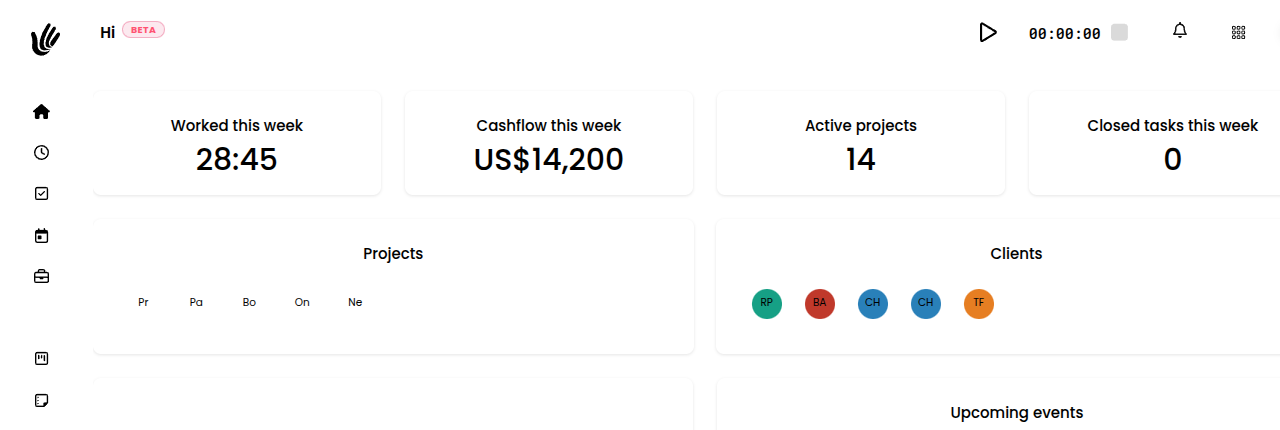
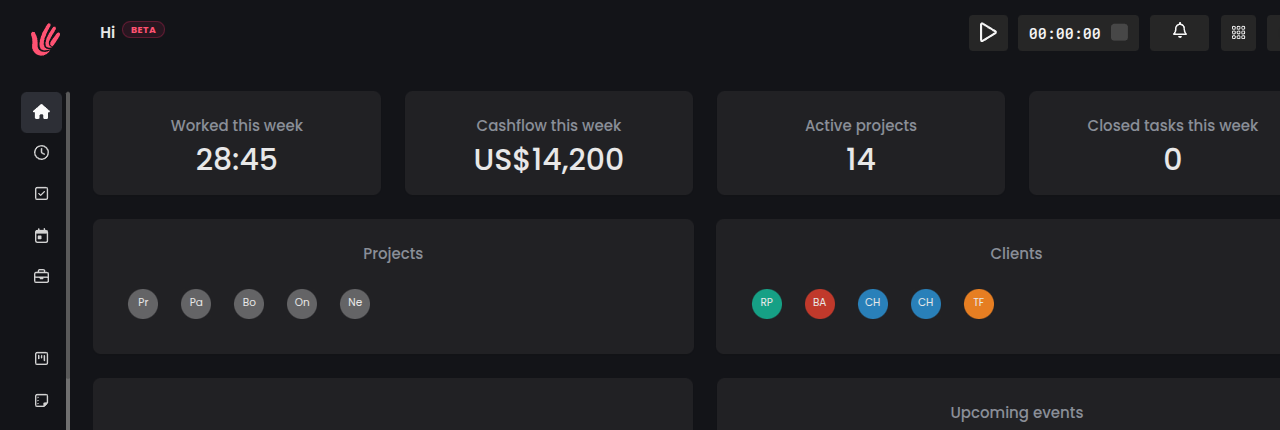
What is Heyweek?
Instead of stitching together separate tools for time tracking, project management, client work, and invoicing, Heyweek brings them into a single connected workspace. Hours you track flow into reports and invoices, projects link to clients, and your team stays in sync — so less of your day goes into copying data between apps.
Who it's for
Heyweek works well for:
- Freelancers and consultants who track billable time and invoice clients
- Agencies and studios juggling multiple projects and clients
- Remote and distributed teams that need a shared view of work
- Any project-based business that wants time, tasks, and billing in one place
What you can do
Heyweek is organized into connected areas you can use as much or as little as you need:
- Time tracking — Run timers or log time manually, tied to projects and clients.
- Projects — Organize work, set timelines, and track progress.
- Boards and tasks — Plan work on kanban boards and manage tasks and to-dos.
- Clients — Keep client details in one place and share a client view portal.
- Invoicing and finance — Turn tracked time into invoices and follow your cashflow.
- Teams and people — Group members into teams and manage who does what.
- Messaging and activity — Chat, post status updates, and follow the activity feed.
- Files and notes — Store project files and keep shared notes.
- Calendar and absence — See deadlines and events, and manage time off.
- Reports and dashboards — Turn activity into insights across your workspace.
- AI assistant — Get help moving faster inside your workspace.
Heyweek is available in multiple languages and works in any modern web browser, with mobile apps for iOS and Android.
Roles at a glance
Everyone in a workspace has a role that sets what they can do:
- Owner — The person who created the workspace; full control.
- Admin — Manages members, settings, and most of the workspace.
- User — A standard contributor who tracks time and manages projects and tasks.
- Guest — Limited, mostly read-only access — useful for clients and outside collaborators.
Next steps
- Quick Start Guide — Get up and running in a few minutes.
- Your First Project — Create and run your first project.
- Time Tracking — Learn the timer and manual entries.
- Invoicing — Turn tracked time into invoices.
- FAQ — Answers to common questions.
- Contact Support — Reach the team if you get stuck.